

优麦云-logo
enEnglish
Home
Web
Pricing
Blog
Help
Extension
Affiliate
Sign up for free
Demo
Log in
  1. Home
  2. >
  3. Help
  4. >
  5. Usage Help
  6. >
  7. 套餐购买
Quick Start
Quick StartEssential Guide for Beginners
Usage Help
Usage HelpEssential Guide to Key Features
Operations Insights
Operations InsightsIndustry News and Best Practices

优麦云帮助中心与用户操作指南——功能图文教程

预览
Please enter keywords

Help documentation

Getting Started

Getting Started

Authorization & Settings

Authorization & Settings

Sales Dashboard

Sales Dashboard

Advertising

Advertising

Business Insights

Business Insights

Inventory

Inventory

Monitor

Monitor

Customer Service

Customer Service

Finance

Finance

FBA Inventory

FBA Inventory

Mobile APP

Mobile APP

Browser Extension

Browser Extension

Subscription & Purchase

Subscription & Purchase

Credit Card Subscription - Purchase Process

Credit Card Subscription - Purchase Process

How to Cancel Credit Card Subscription

How to Cancel Credit Card Subscription

SellerSpace Points - Purchase Process

SellerSpace Points - Purchase Process

SellerSpace Points Usage Policy

SellerSpace Points Usage Policy

About SellerSpace

About SellerSpace
  1. Home
  2. >
  3. Help
  4. >
  5. Using Help
  6. >
  7. 套餐购买
SellerSpace Credits - Purchase Process

2025/07/30Views(9645)Reviews(0)

Purchase SellerSpace Credits, supporting paypal, with the payment process consistent with purchasing a plan.

If you are not yet familiar with the credit rules, please click here


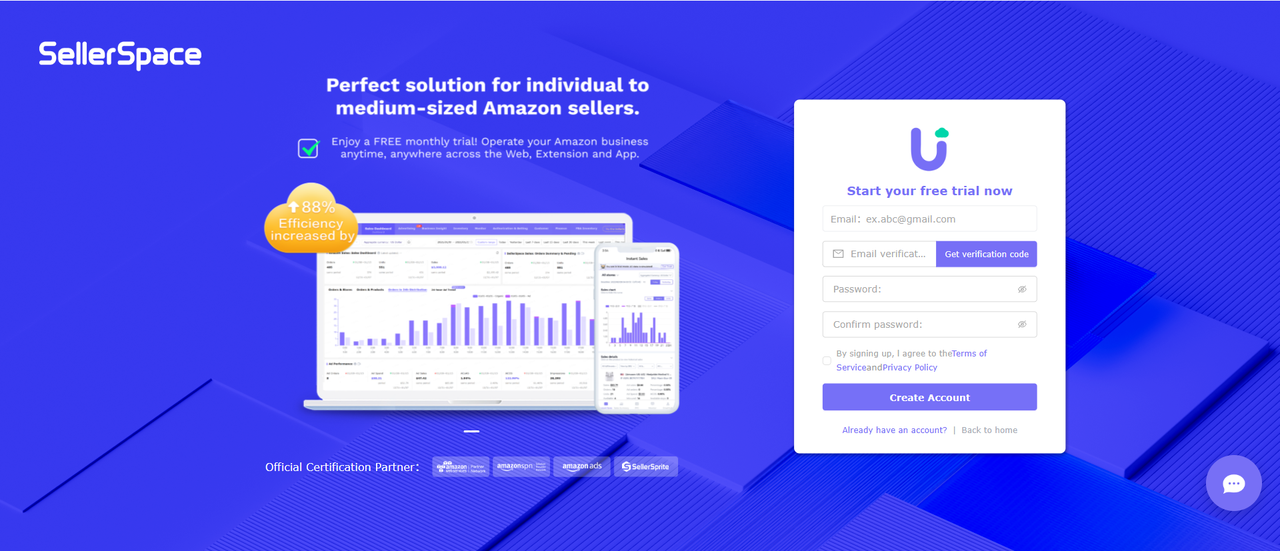
1. Log in to your SellerSpace account.

If you haven’t registered for a SellerSpace account yet, you’ll need to register one. Click to Register
功能教程截图+


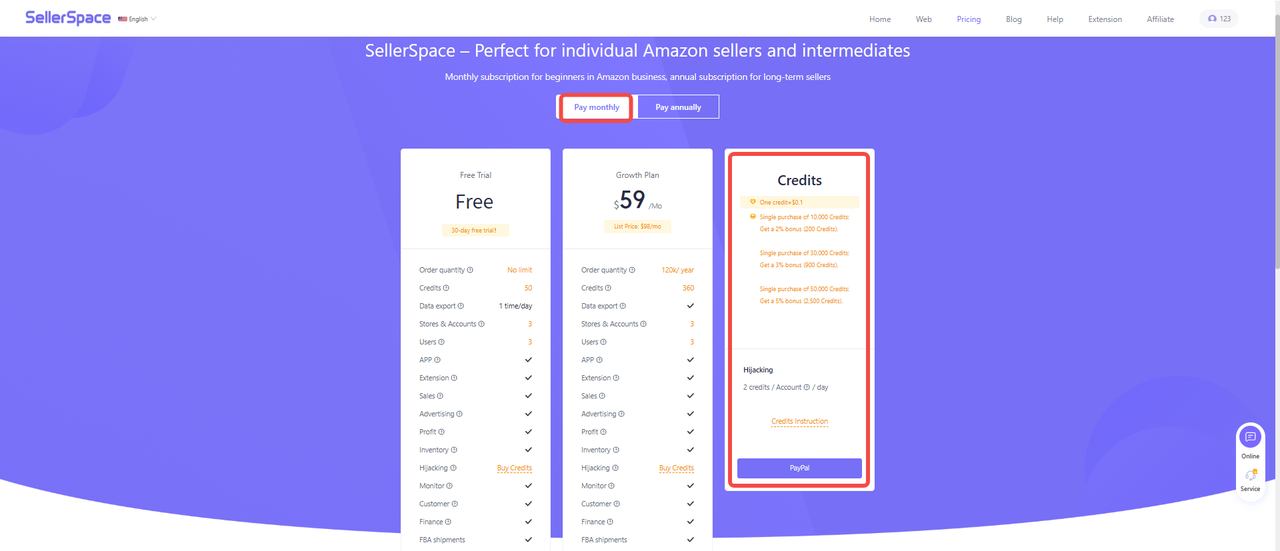
2. Go to the SellerSpace Pricing Page.

Click the 【Pay Mothly】 button at the top and find the 【Credits】.
功能教程截图+


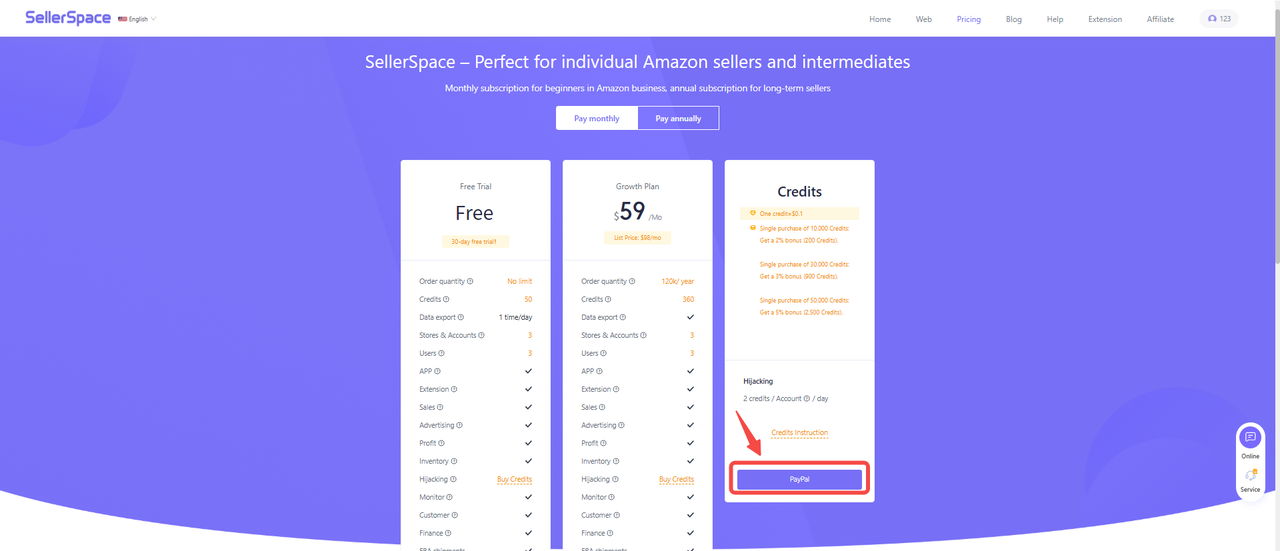
3. Click 【PayPal】 to enter the purchase page and select the credit amount you want to purchase.
功能教程截图+


4. Select Credits.

Single purchase of 10,000 Credits: Get a 2% bonus (200 Credits).

Single purchase of 30,000 Credits: Get a 3% bonus (900 Credits).

Single purchase of 50,000 Credits: Get a 5% bonus (2,500 Credits).


5. Confirm the credits you want, and then make the purchase.


Previous

How to Cancel Credit Card Subscription

Next

SellerSpace Credits Usage Policy

优麦云

SellerSpace is a concise tool to manage multiple Amazon accounts, focuses on solving various problems encountered by sellers during operating Amazon business.

About UsPrivacy PolicyTerms Of Service

Product

SellerSpace WebSellerSpace APPSellerSpace Extension

Novice on the road

HelpPricingWeb中文English日本語中文-繁體

Mail:support@sellerspace.com

©2018-2026 SellerSpace.COM All Rights Reserved

Online

Service