
 English


2025/04/08Views(11658)Reviews(0)
I. Target Audience
Operations, Finance
II. Feature Introduction
Amazon sellers may encounter specific expenses at the product level during their operations. These unique costs, which can be either income or expenses, can be allocated to individual products. For example, a lightning deal fee is a cost associated with a specific product.
SellerSpace's "Other Product Costs" feature allows sellers to easily upload these special expenses. Once uploaded, these costs are distributed to individual products and directly factored into your store's profit calculation.
The "Other Product Costs" amount is a relative cost. To increase costs, upload a positive number. To decrease costs from the total cost, upload a negative number.
What is the difference between "Other Product Costs" and the "Other Costs" in "Product Costs"?
The "Other Product Costs" feature is for uploading special operational expenses that may arise during actual selling activities, such as lightning deal fees.
The "Other Costs" within the "Product Costs" feature are for uploading other cost expenses related to procurement, such as individual purchase discounts.
III. Use Cases
- Uploading other expense costs at the product level
- Incorporating these costs into profit calculations across various dimensions
IV. Operation Guide
1. How to Upload
The Other Product Costs feature allows for bulk uploading of product-level other costs using a template.
Let's take uploading an unexpected expense of \$0.1 USD for SellerSpace K-US marketplace, product ASIN: B0B1MK8X7C, SKU: OP2022-US01-FBA as an example.
Select SellerSpace K-US marketplace, navigate to Authorization & Settings, and find [Other Product Costs]. Click [Bulk Upload] to access the template download page.
 +
+
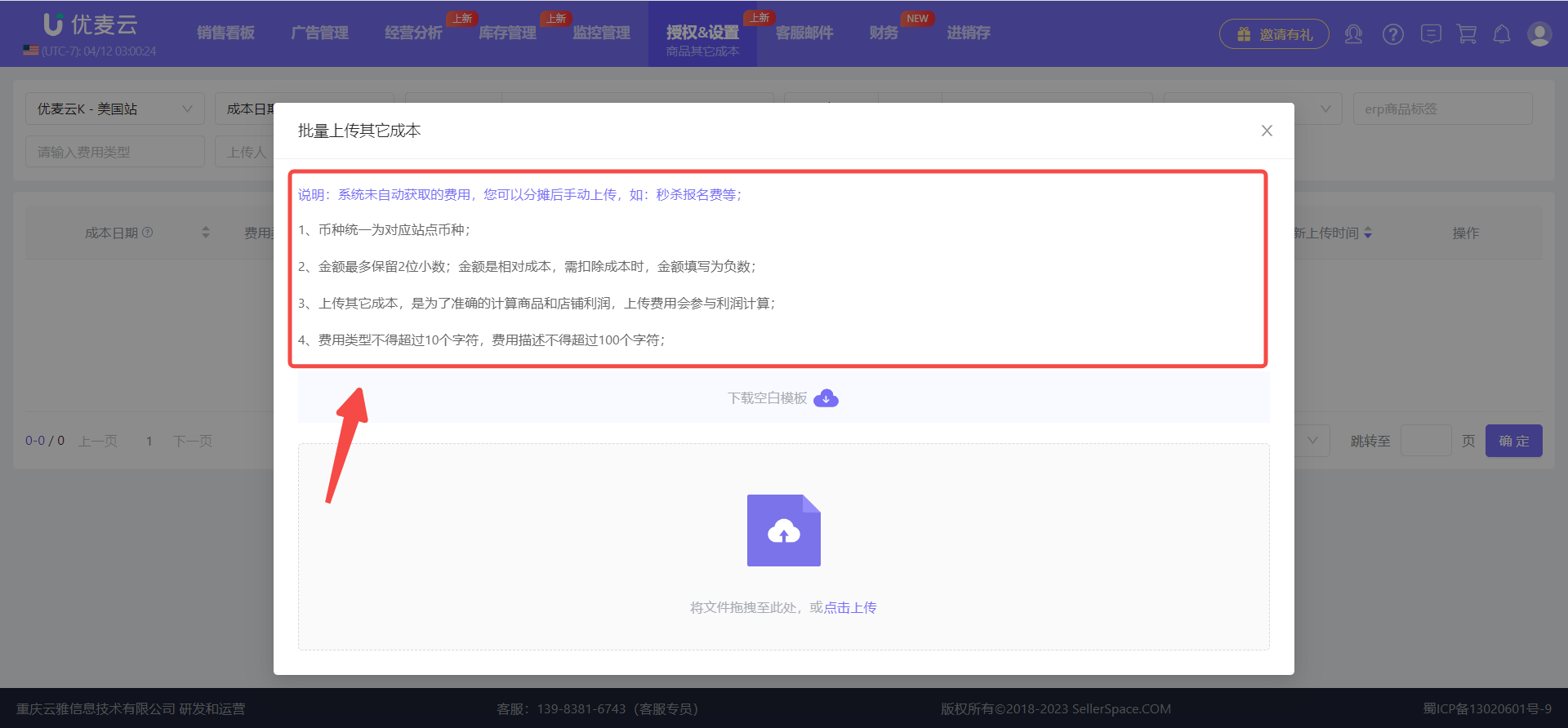
On the "Bulk Upload Other Costs" page,
carefully read the instructions to understand the template filling rules.
 +
+
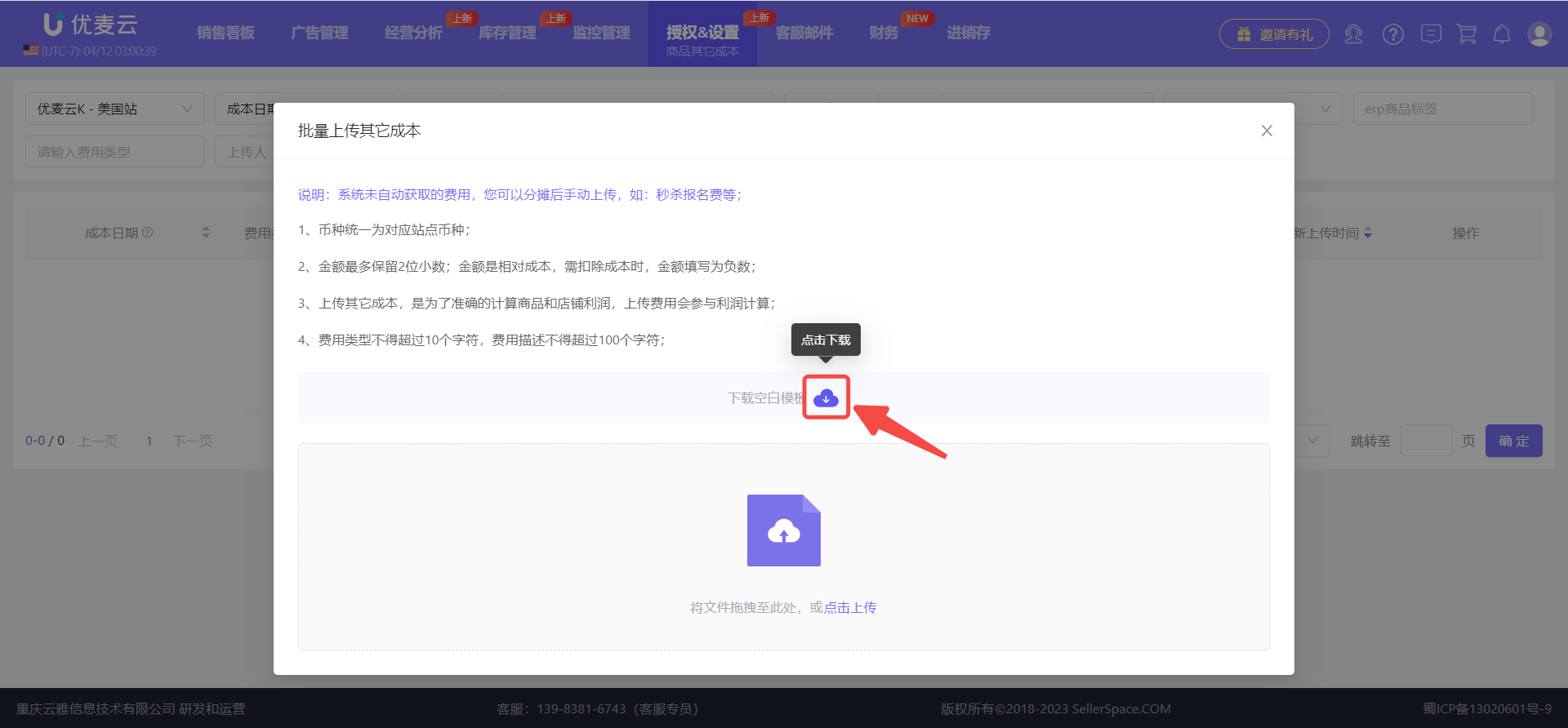
After reviewing, click the download button next to [Download Blank Template] to download the template.
 +
+
Open the downloaded spreadsheet, refer to the example, and fill in your cost details.
For this example, we are uploading an unexpected expense of \$0.1 USD for SellerSpace K-US marketplace, product ASIN: B0B1MK8X7C, SKU: OP2022-US01-FBA.
 +
+
After filling in the information, delete the example row, and save the file.
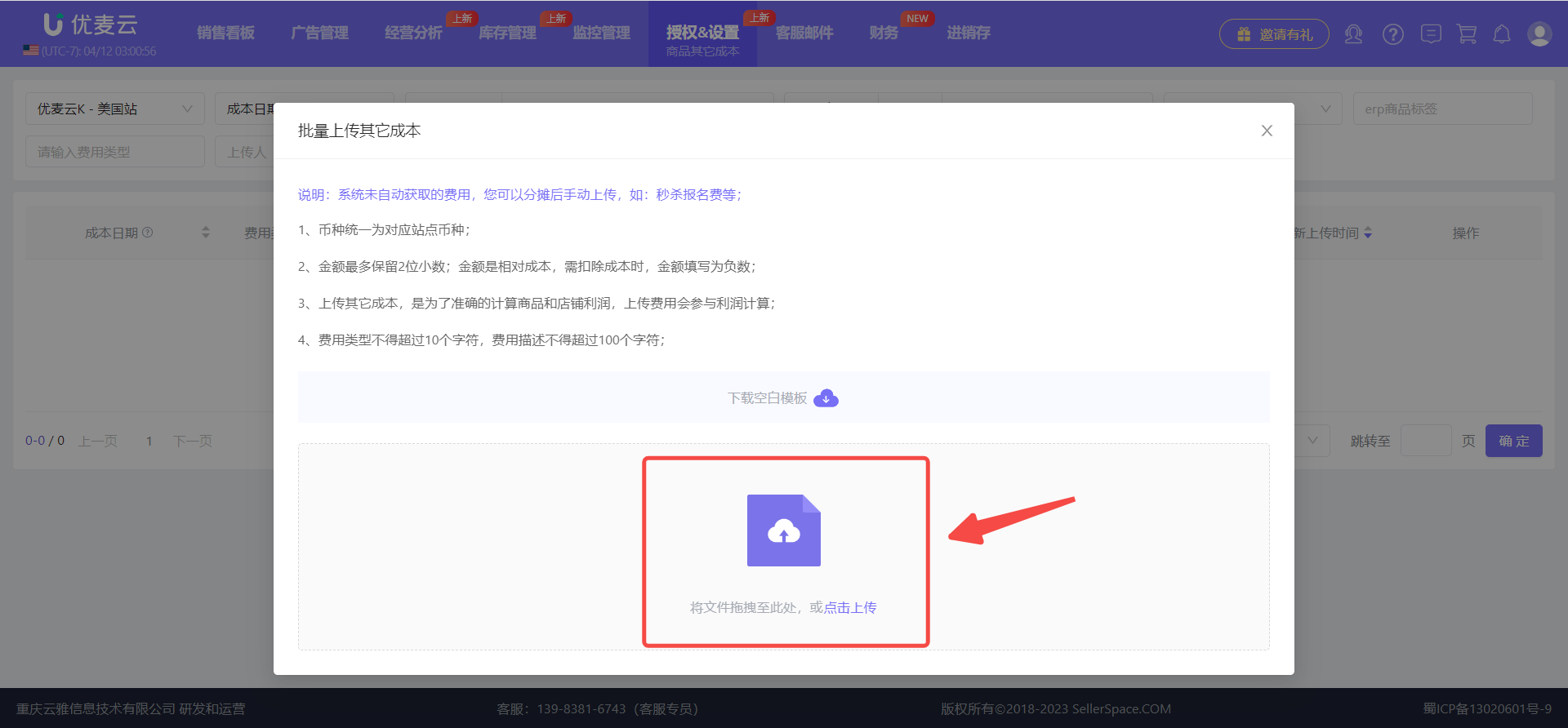
Then, return to the "Bulk Upload Other Costs" page, click the upload button, and upload the spreadsheet you just completed. Alternatively, you can drag and drop the spreadsheet directly onto the upload area.
 +
+
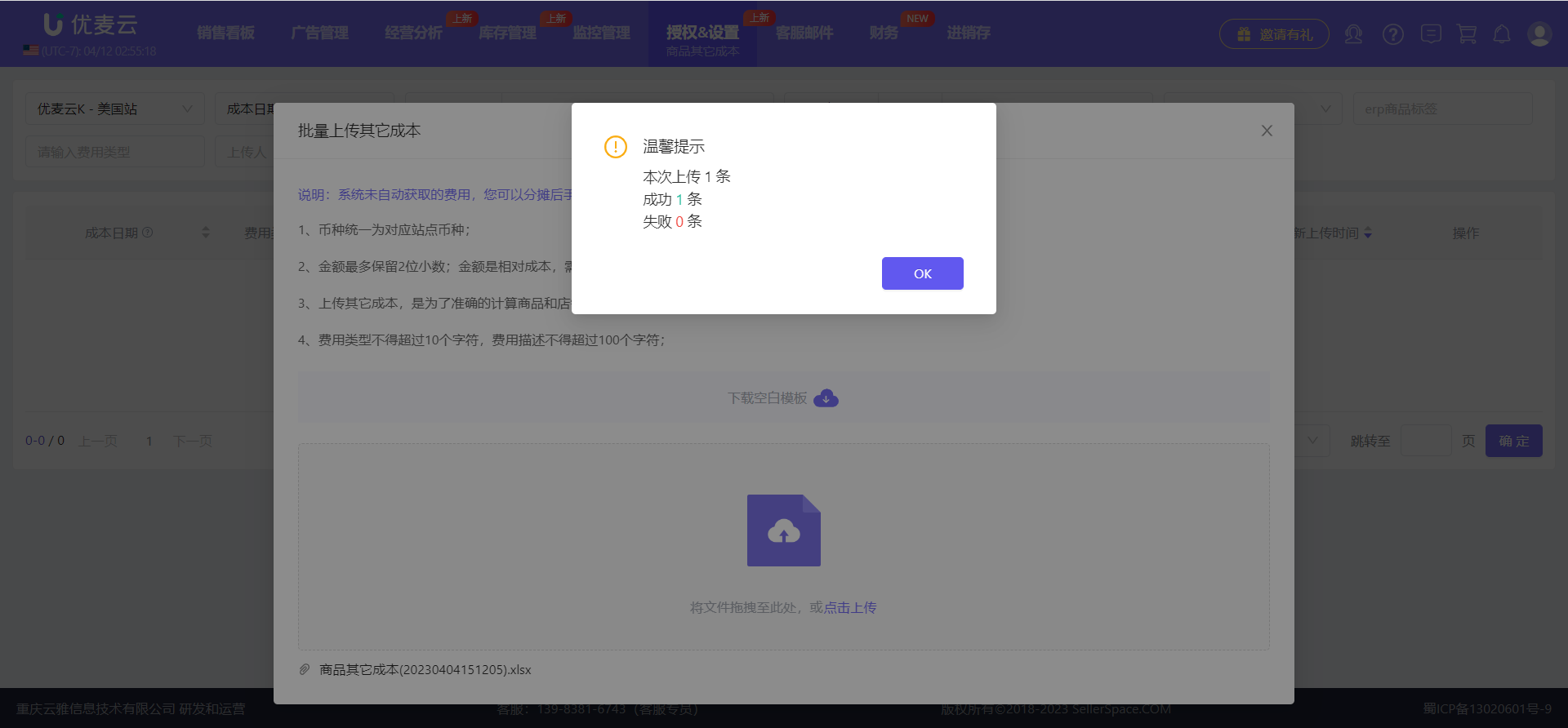
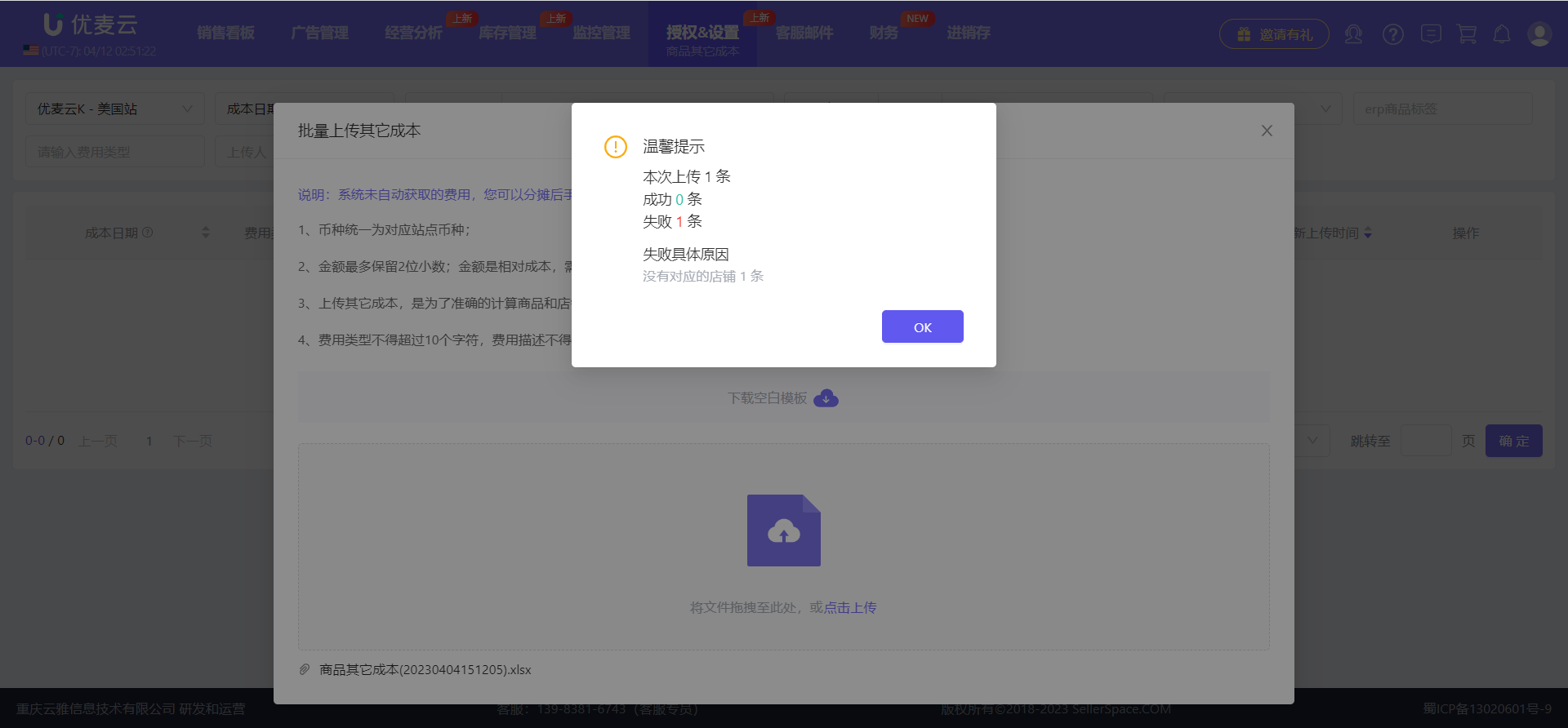
After uploading, the page will display the upload result. Upon successful upload, the other product costs will be immediately effective and applied to your store's profit calculation from the set time onwards.
 +
+
If the upload fails, please check if the information in the spreadsheet is correct. For example, verify if the marketplace is consistent with your current upload marketplace and if the store abbreviation is entered correctly.
 +
+
2. How to Manage and Query
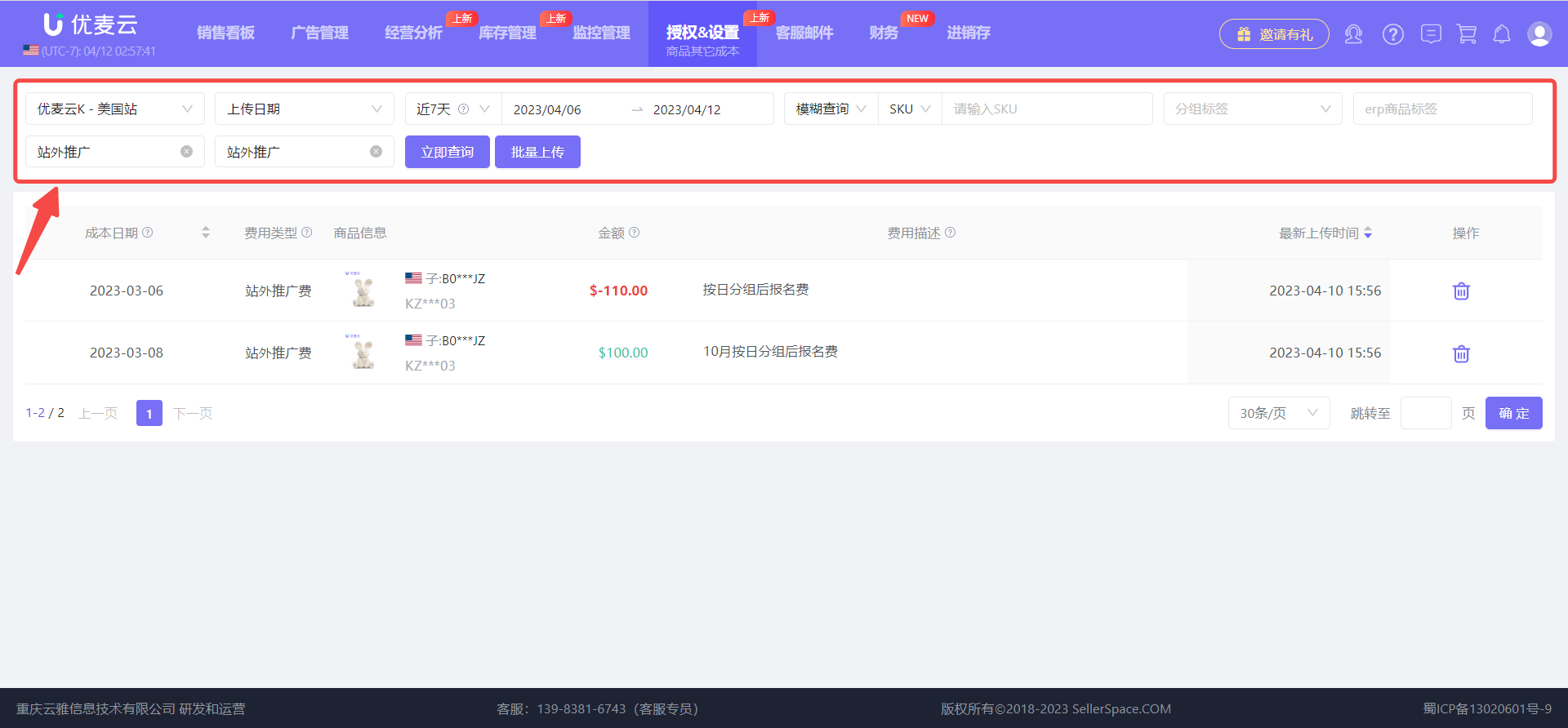
Within the Other Product Costs feature, you can use the search bar at the top to view all uploaded records of other product costs for your current account.
For example, to view off-Amazon promotion expenses uploaded in the last 7 days for the US marketplace, select the desired cost time range, search for the cost type: Off-Amazon Promotion, and then click [Search Now] to view all off-Amazon promotion expenses uploaded in the last 7 days.
 +
+
You can also select a cost date range to view which cost expenses your store incurred during a specific period.
 +
+
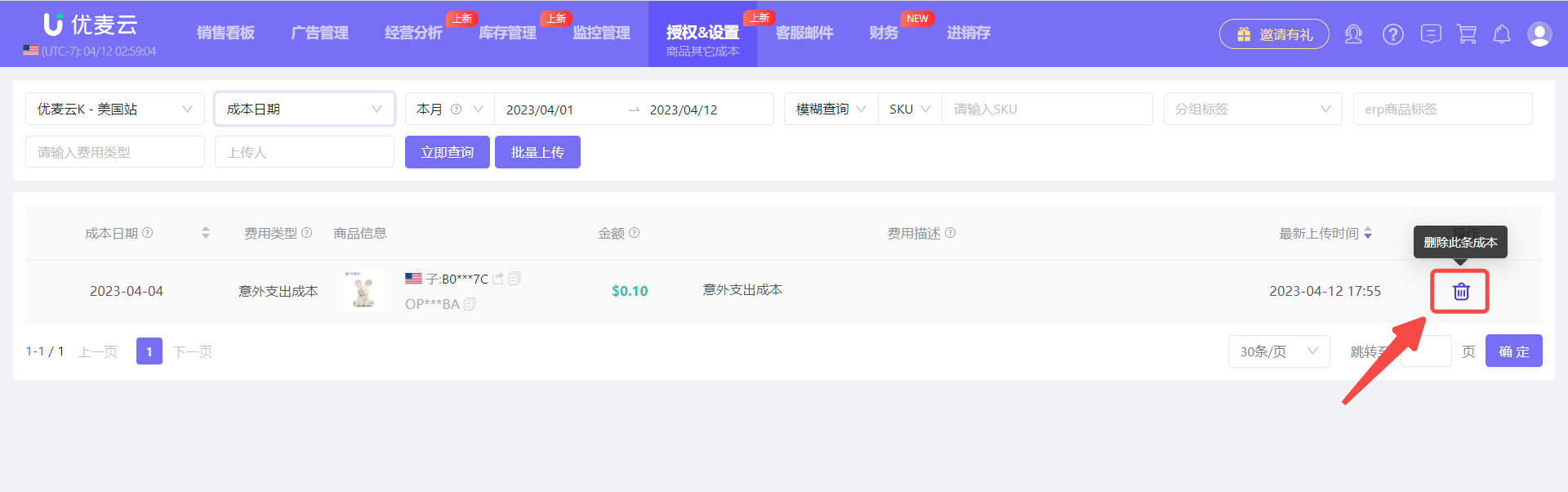
If you uploaded incorrect information, you can click the delete button and re-upload.
 +
+
