
 English


2025/04/08Views(5787)Reviews(0)
1. Log in to the SellerSpace website,
If you haven't registered for SellerSpace yet, you need to register for a SellerSpace account. Click to register
 +
+
2. Enter the SellerSpace backend,
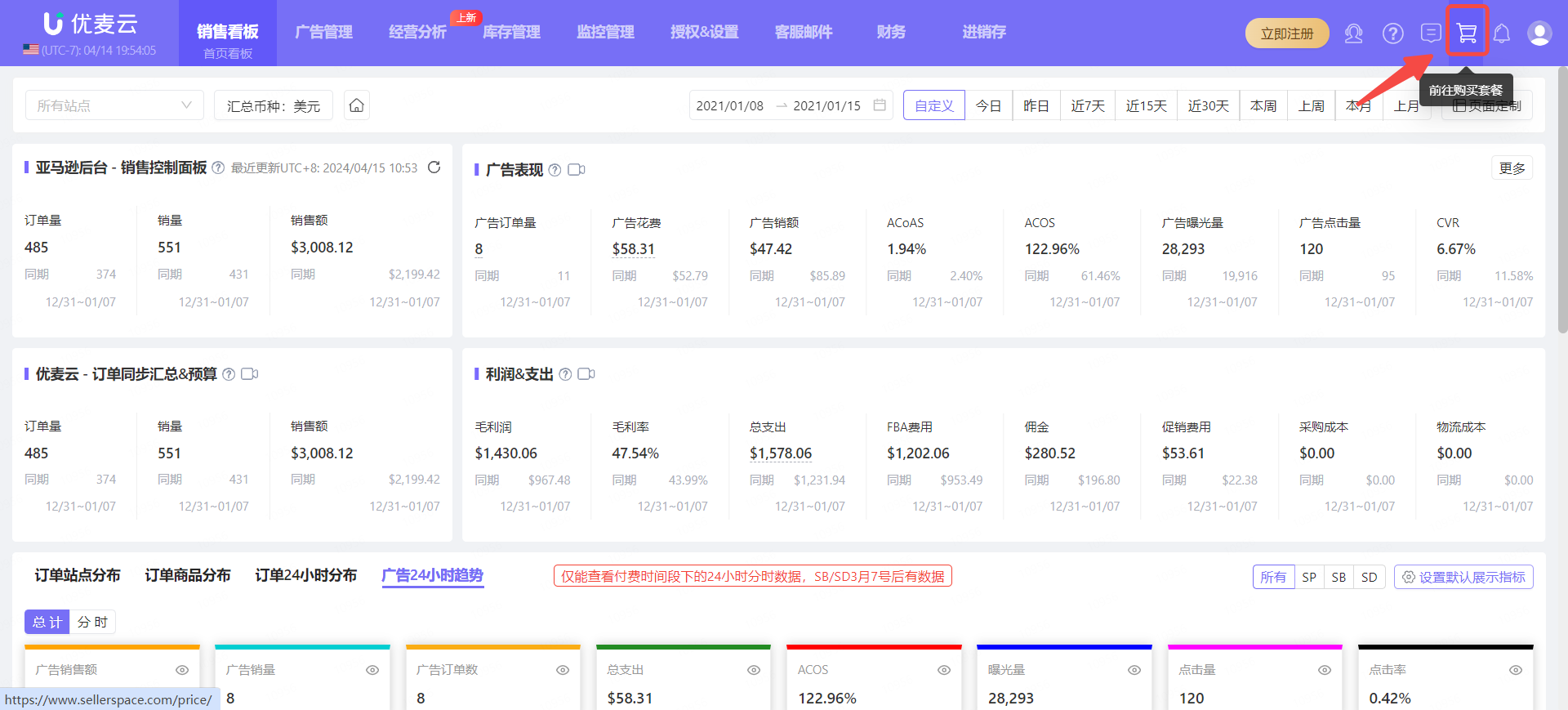
Click the [Purchase Plan] button in the upper right corner of the page to enter the plan purchase page.
 +
+
Or go to the official website homepage and click [Pricing] to enter the plan purchase page.
 +
+
3. Enter the plan purchase page,
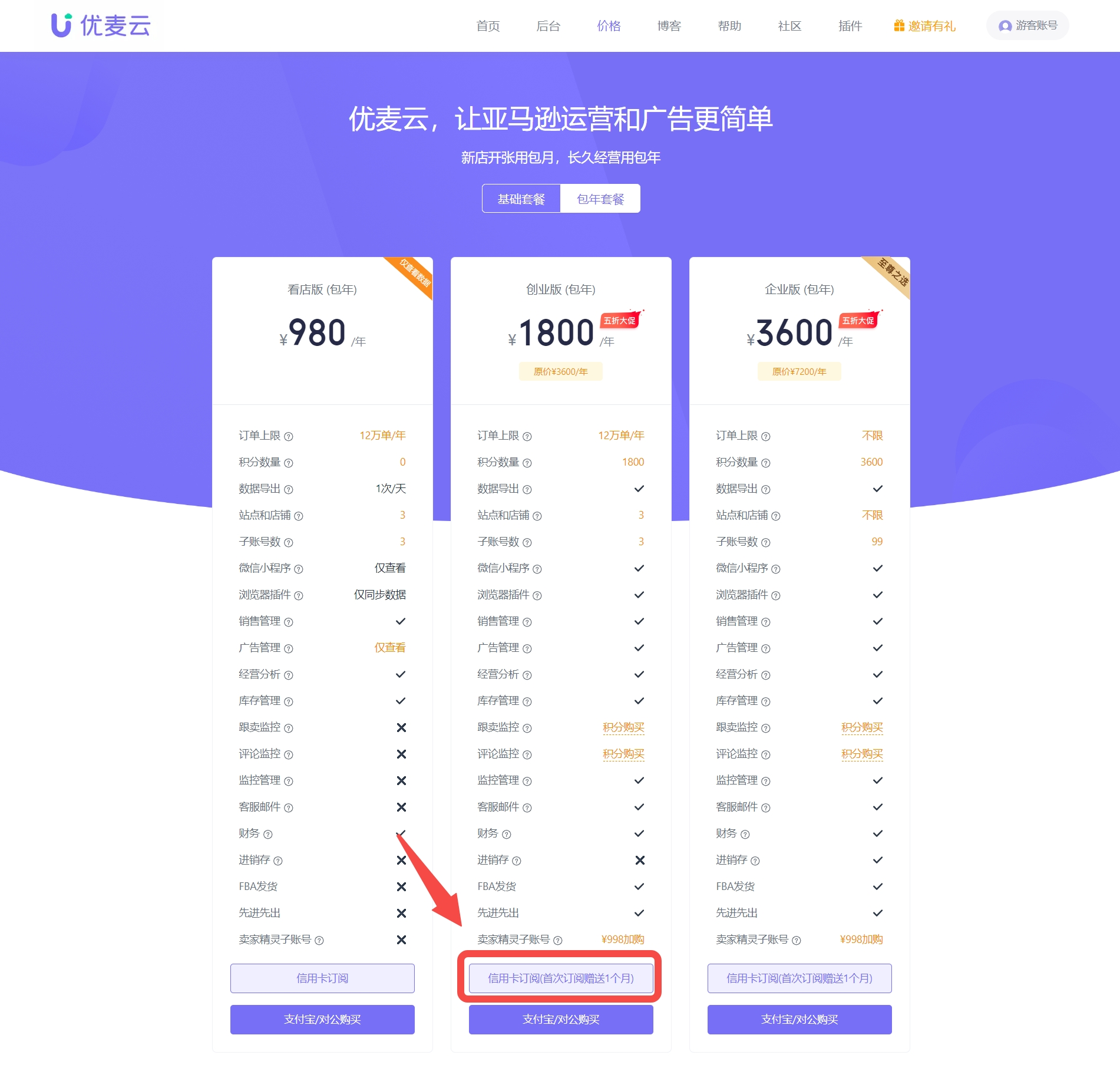
SellerSpace currently offers monthly and annual plans. A one-month membership is赠送 (given as a gift) for the first subscription to an annual plan.
Select the plan you need and click [Credit Card Subscription] below the corresponding plan to enter the order preview page.
 +
+
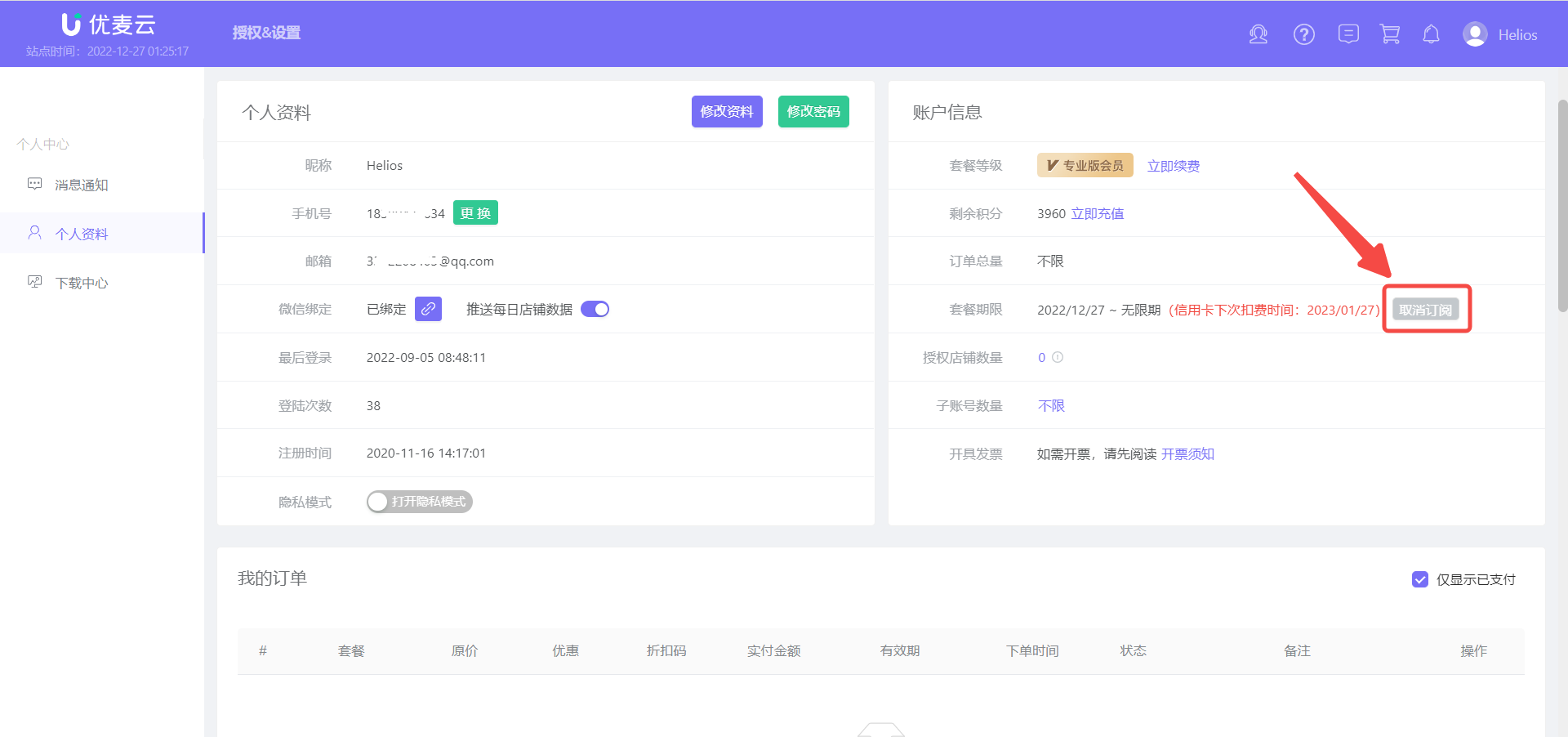
Special Note: Credit card subscriptions are automatically renewed monthly/annually upon expiration and can be canceled at any time with one click in the [Personal Profile] center.
 +
+
4. Enter the order preview page,
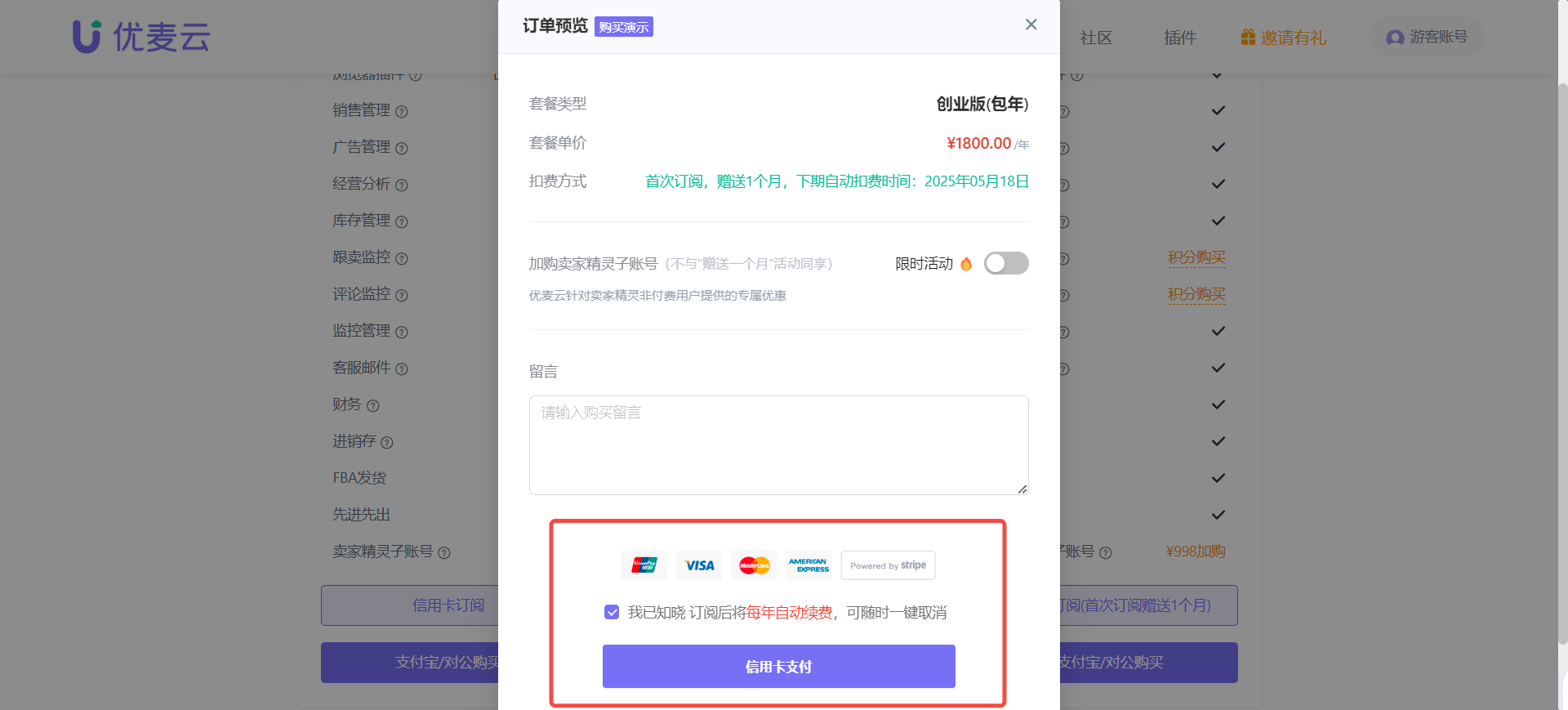
Confirm the order information: Plan Type, Plan Price, Payment Method, and optionally enter a purchase message.
After confirming that the information is correct, check [I understand...] and click [Credit Card Payment] to proceed to the next payment step.
*Note: Credit card subscriptions currently support dual-currency cards from UnionPay, VISA, MasterCard, and American Express.
 +
+
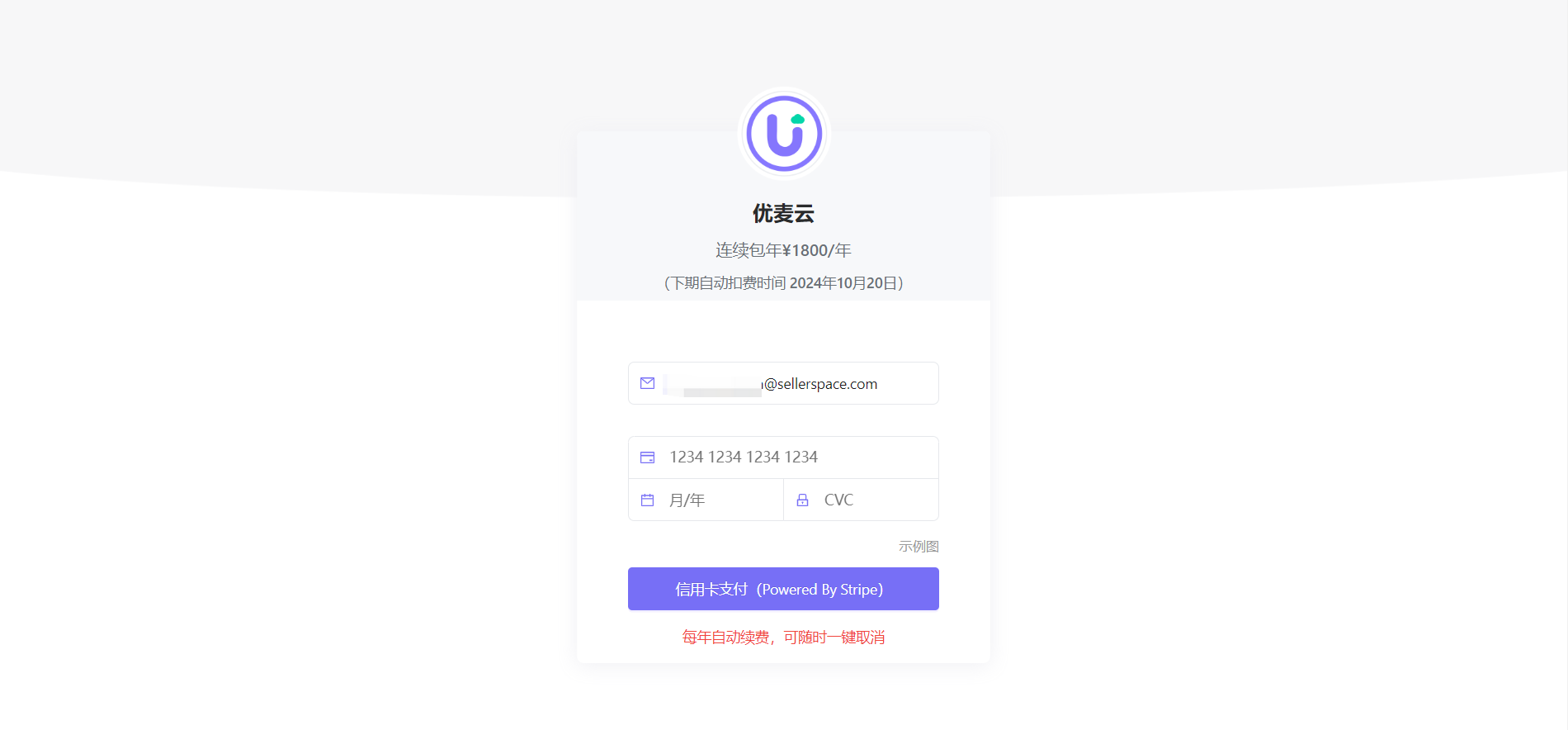
5. Enter the credit card payment page,
Enter your credit card information and pay. After successful payment, your account will be automatically upgraded to a paid membership.
 +
+
温馨提示 (Friendly Reminder):
1. If you switch your subscription mode from monthly to annual, the unused portion of your monthly plan will be automatically refunded to your original account on a pro-rata daily basis.
2. Monthly plan积分 (points/credits) will be converted and回收 (reclaimed) using the same calculation method.
